
 Copyright 2026, Infinitybox LLC. All Rights Reserved.
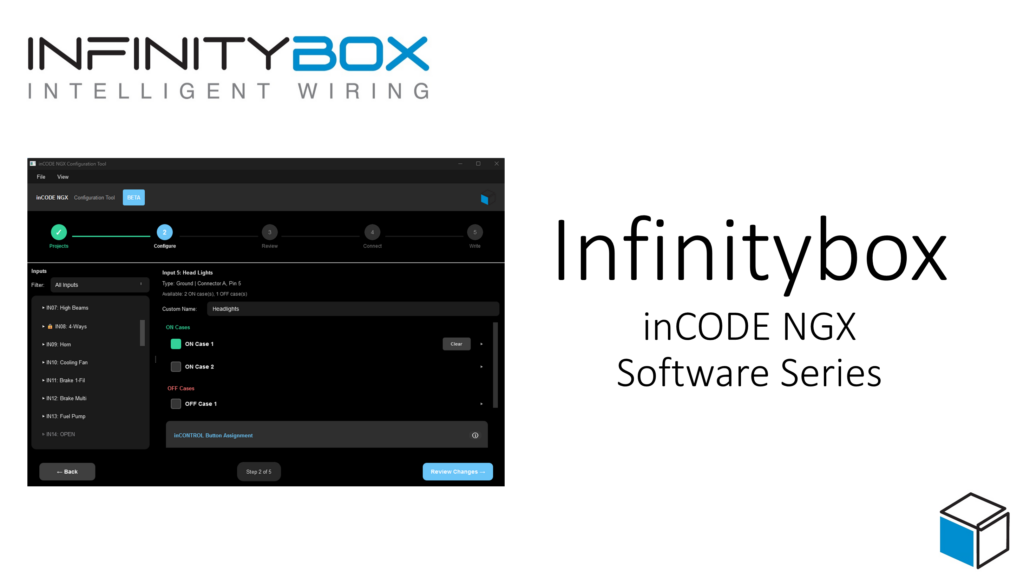
How to Use inCODE NGX: Complete Video Series
Last updated: November 6, 2026
inCODE NGX is the configuration tool you pair with the inCODE NGX programmer to set up your Infinitybox NGX next-generation power distribution system. It’s powerful, but it’s also simple and easy to use. This video series walks you through the software one step at a time, from your first download to sharing configurations with others.
We add new videos as we publish them, so check back often or subscribe on YouTube so you don’t miss one.
In this series
Need the software? Go to infinitybox.com, then Resources > Software Downloads > inCODE NGX Downloads. Windows and Mac versions are available.
Video 1: How to Download & Install inCODE NGX
Start here if you haven’t installed the software yet. This video shows you how to find the download on our website, choose the Windows or Mac version, extract the file, and run the application for the first time.
What you’ll learn:
- Where to find the inCODE NGX download on infinitybox.com
- Downloading the Windows or Mac version
- Extracting the zip file
- Getting past the Windows “unknown app” security warning (the software is safe; click More info, then Run anyway)
Video 2: Creating & Managing Projects
Learn how to set up a new project in inCODE NGX. Projects let you manage multiple vehicles or multiple configurations in one place, and keep a revision history of every change.
What you’ll learn:
- Creating and naming a new project
- Choosing a starting configuration: Front Engine, Rear Engine, Blank, or an imported configuration
- Using revision history to track changes over time
- Archiving, sharing, or deleting a configuration
Video 3: Importing & Exporting a Project
Importing and exporting let you load a configuration our team created for you, back up your own work, and share configurations with other members of the Infinitybox community.
What you’ll learn:
- Exporting a project and choosing where to save it
- Importing a project file into inCODE NGX
- Loading a configuration from Infinitybox or another builder
More videos coming soon
Next up, we’ll walk through setting up your configuration step by step. Subscribe on YouTube to be notified when each one is released.
Questions? Give us a call at 847-232-1991 or visit infinitybox.com.
About Infinitybox: We design, engineer, and manufacture advanced electrical power distribution and control systems for automotive and commercial truck applications, including POWERCELL, NGX, IOX, CAN Gateway, and inTOUCH NET. Made in the USA for 18 years, from one-off prototypes to high-volume production.
 Copyright 2024, Infinitybox, LLC. All Rights Reserved.
 Copyright Infinitybox, LLC 2021. All Rights Reserved.

 Copyright Infinitybox, LLC 2021. All Rights Reserved.

 Copyright Infinitybox, LLC 2021. All Rights Reserved.
 Copyright Infinitybox, LLC 2021. All Rights Reserved.

Leave a Reply
Want to join the discussion?Feel free to contribute!